
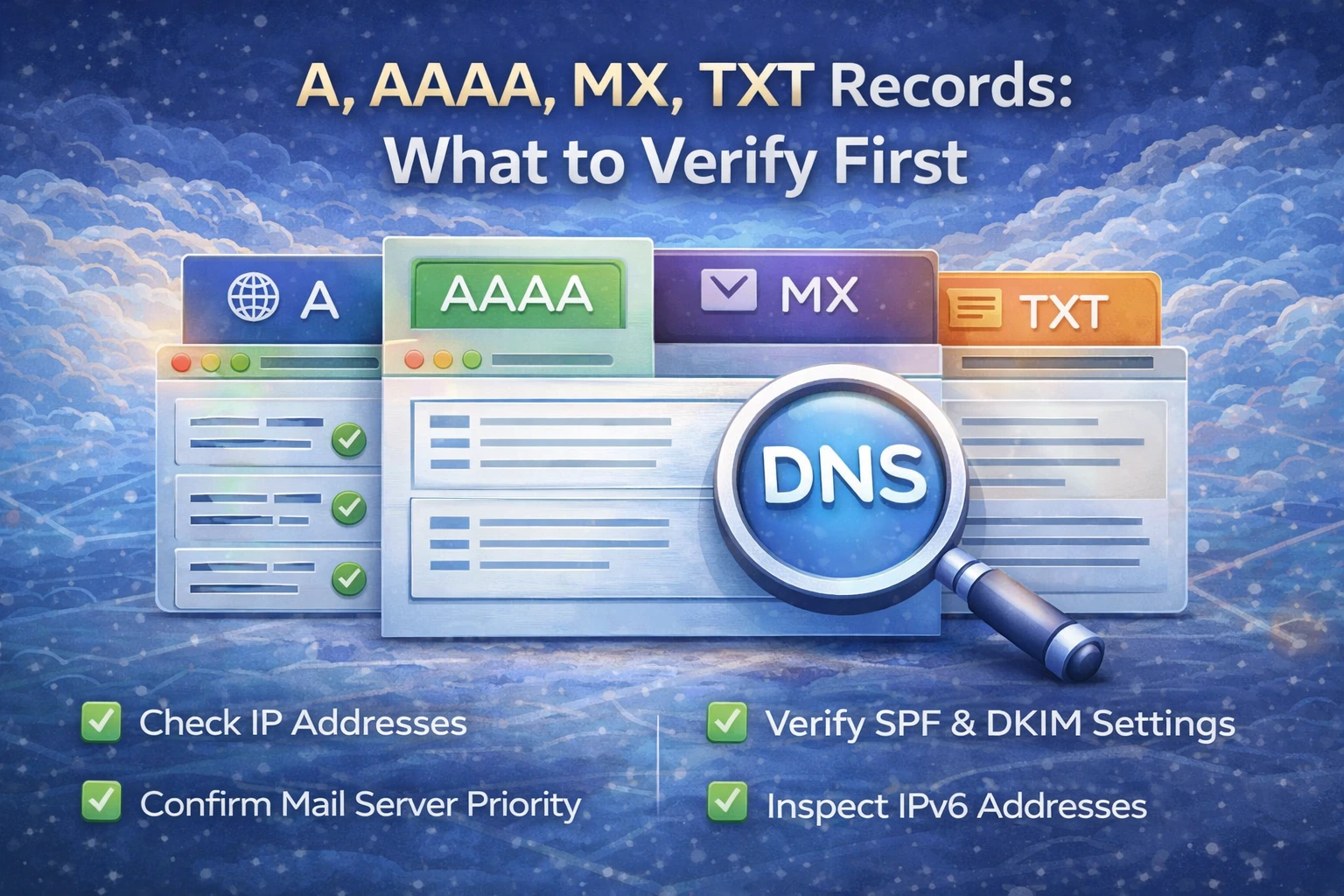
When something breaks after a DNS change, many people start checking records in a random order. That wastes time because different record types solve different problems. A clean troubleshooting flow starts by matching the record type to the symptom.
The simplest question is this: are you debugging a website, email, or verification flow?
If the website is broken, start with A and AAAA
For websites and APIs, the first records to verify are:
A records
AAAA records
Use DNS Records Lookup to confirm the hostname points to the intended origin. If the A record is correct but the AAAA record still points to an old or unreachable host, the site can look partly broken even when DNS appears “mostly fine.”
If mail is broken, start with MX
If inbound mail is the issue, MX is the first place to look. If the domain no longer receives email where expected, the MX records may still point to the wrong provider or may not exist at all.
MX tells you where mail should be delivered. It does not tell you whether sending is authorized. That is where TXT matters next.
TXT matters for authentication and verification
TXT records are used for multiple important purposes:
SPF
DKIM
DMARC
provider verification records
If outbound mail lands in spam or fails authentication, TXT becomes one of the most important record types to inspect. After a basic DNS lookup, use Email Validator to validate the mail-specific setup properly.
A practical order that saves time
If the website is broken:
A
AAAA
CNAME if relevant
If mail is broken:
MX
TXT
reverse DNS and sending IP reputation after that
If provider verification is broken:
TXT
CNAME if the provider expects it
Common mistakes
One common mistake is checking SPF when the real problem is that the domain does not even point to the correct server anymore. Another common mistake is validating only IPv4 and forgetting IPv6 entirely.
What to do next
Start with DNS Records Lookup, then branch based on the result:
DNS Propagation Checker for visibility issues
Email Validator for mail auth
Ping IPv6 when AAAA exists but reachability still fails
3. DNS Lookup Looks Right but the Site Still Breaks
Title
DNS Lookup Looks Right but the Site Still Breaks
URL Slug
dns-lookup-looks-right-but-the-site-still-breaks
Summary
Sometimes DNS records look correct but the website still fails. This guide explains what to check next, including propagation, SSL, origin reachability, IPv6, and application-side issues.
SEO Title
DNS Lookup Looks Right but the Site Still Breaks
Meta Description
DNS records can look correct while a site still fails. Learn how to separate DNS issues from propagation, SSL, IPv6, and origin-server problems.
Keywords
dns looks right but site still broken, dns records correct but website down, dns troubleshooting, website status, ssl dns issue
Content
Seeing the right DNS records does not prove the site is healthy. It only proves the domain points somewhere plausible. If the site still fails after the DNS lookup looks correct, the next step is to separate DNS from everything around it.
First ask which layer is actually failing
The main possibilities are:
propagation is still inconsistent
the origin server is unreachable
IPv6 is wrong while IPv4 is fine
SSL is broken
the application itself is failing
That is why a good DNS result is only one checkpoint, not the finish line.
Confirm propagation first
If the change is recent, use DNS Propagation Checker. A correct record visible from one resolver does not mean it is visible everywhere yet.
Check site reachability next
If DNS points to the correct host, the next step is Website Status. This tells you whether the endpoint is actually responding over HTTP or HTTPS.
Check SSL if HTTPS is involved
Many “DNS problems” are really TLS problems. The domain points correctly, but:
the certificate is expired
the hostname does not match
the chain is incomplete
Use SSL Checker when the host resolves but browsers still warn or fail.
Do not ignore IPv6
If A is correct and the site still breaks only for some users, verify whether an old or wrong AAAA record still exists. In that case DNS can look “right” while IPv6 clients still fail. Check that with Ping IPv6.
What to do next
Use this flow:
Ping IPv6 if AAAA is involved
Admin User
Author