
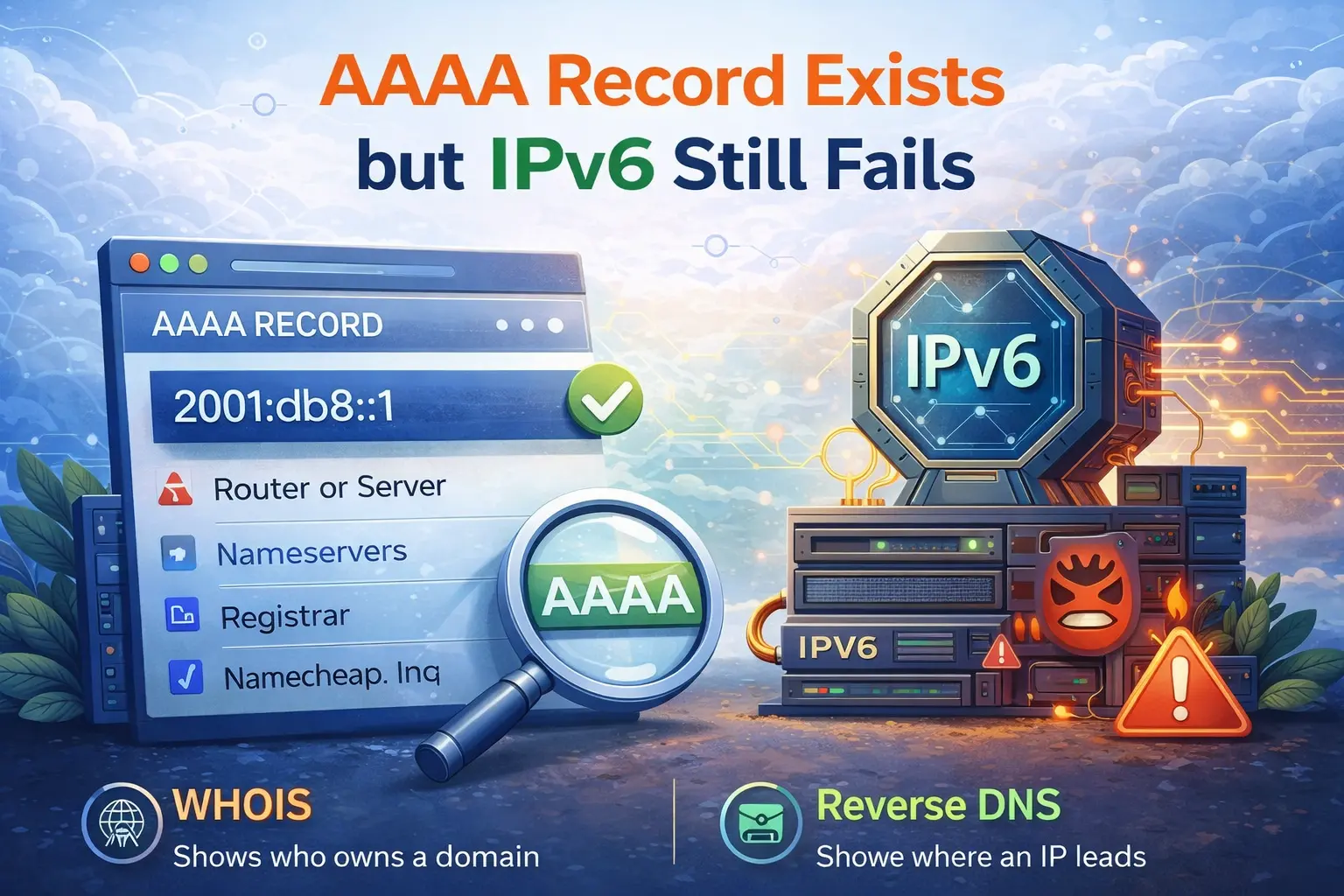
It is common to publish an AAAA record, wait for DNS propagation, and assume the service is ready on IPv6. Then the first real test fails. The hostname resolves correctly, but the host does not answer, or the service still seems broken on IPv6 while IPv4 works.
That usually means the DNS change happened before the network path and service configuration were fully ready.
What an AAAA record confirms
An AAAA record only confirms that the hostname points to an IPv6 address. It does not prove:
that the host is reachable
that a route exists
that the firewall allows the traffic
that the application is listening on IPv6
This distinction matters because many administrators stop at the DNS layer and miss the actual failure point.
Start with a simple IPv6 reachability test
The first check is basic reachability. Use the Ping IPv6 tool to see whether the target responds over IPv6 at all.
If ping fails, that does not automatically mean the host is down. Some networks block ICMPv6. But it does tell you that you need to confirm routing and filtering before blaming the application.
Check the DNS record anyway
Even if you are sure the AAAA record exists, verify it again with DNS Records Lookup. Confirm that:
the AAAA record points to the expected address
there is no typo in the IPv6 value
you are checking the correct hostname
stale records are not still being cached
This is especially important when the change was recent.
Firewall problems are extremely common
One of the most common reasons IPv6 fails while IPv4 works is that the firewall rules were only updated for IPv4. The host may be live, but inbound IPv6 traffic is blocked.
Check host-level and network-level rules. On cloud platforms, this often means checking both the server firewall and the provider security group or network ACL.
Do not forget ICMPv6. Blocking it too aggressively can break normal IPv6 behavior in ways that are harder to diagnose than on IPv4.
The service may not be listening on IPv6
Another common issue is that the application or web server is listening on 0.0.0.0 but not on ::, or it is bound only to an IPv4 socket. In that case:
DNS resolves over IPv6
the host may even answer ping
but the actual service port does not accept IPv6 connections
If the website or service still looks broken, compare the result with Website Status or a port-level test.
Routing can be incomplete
Sometimes the host has an IPv6 address configured but does not have a proper default route or upstream connectivity. This happens on self-managed servers more often than people expect. The address looks valid in the OS, DNS is published, and yet traffic never makes it cleanly in or out.
If you manage the server directly, verify:
the IPv6 address is assigned to the correct interface
the gateway is correct
the default route exists
neighbor discovery is working where relevant
A practical workflow
When AAAA exists but IPv6 still fails, work in this order:
Confirm the AAAA record with DNS Records Lookup
Check basic reachability with Ping IPv6
Review firewall and security group rules
Confirm the application listens on IPv6
Test the actual service behavior with Website Status
This sequence keeps DNS, connectivity, and application issues separate.
Real-world example
A site owner publishes an AAAA record for the main hostname because the server has IPv6 enabled. DNS looks fine, but visitors on IPv6 networks cannot load the site. The cause is simple: Nginx only listens on IPv4 and the cloud firewall has no IPv6 inbound rule for port 443.
Once the listener and firewall are fixed, IPv6 works without changing the DNS record again.
What to do next
If you are enabling IPv6 on a public service, do not treat the AAAA record as the finish line. Treat it as the start of testing. DNS is only one layer. Reachability, routing, and listener configuration are what make IPv6 actually usable.
Admin User
Author