
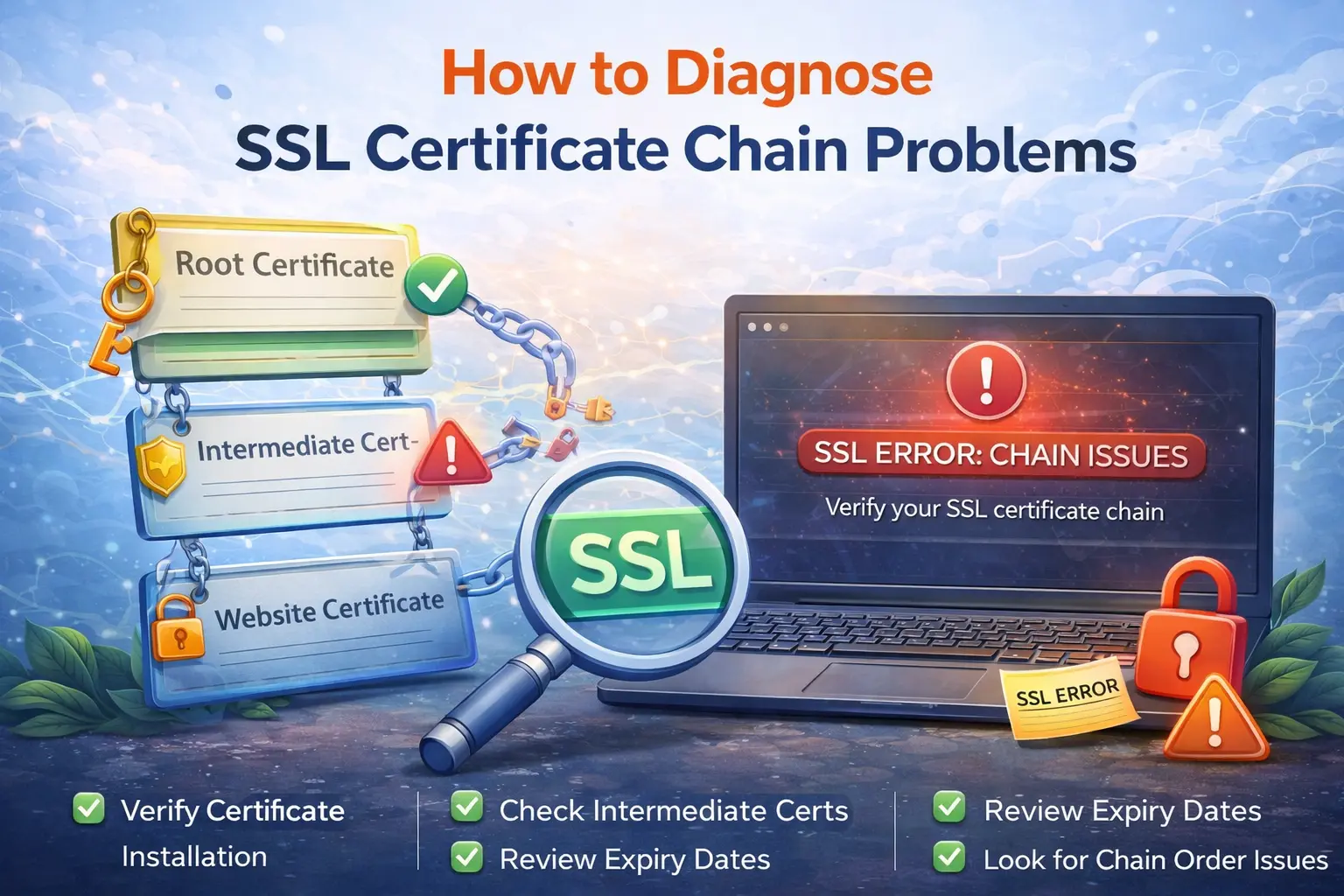
When SSL fails, many people assume the certificate is simply expired. Sometimes that is true, but a large share of SSL problems come from incomplete chains, hostname mismatches, or trust issues between the server and the client.
If you are troubleshooting HTTPS, APIs, or other TLS-enabled services, it helps to separate the failure types instead of treating every certificate warning as the same problem.
Start with the certificate status
The first step is to check the live certificate presented by the server. Use the SSL Checker to verify:
whether the certificate is expired
which hostname the certificate covers
whether the certificate chain is complete
whether the issuer looks correct
This gives you a quick baseline before you dig into server configuration.
Incomplete chain vs expired certificate
An expired certificate is straightforward. The validity period ended and the certificate needs to be renewed.
An incomplete chain is different. The server may present the leaf certificate but fail to include the required intermediate certificates. Some clients can still build the chain from cached intermediates, while stricter scanners or less forgiving clients will fail.
That leads to a confusing situation where:
one browser appears fine
another client throws a trust error
command-line checks fail inconsistently
That pattern often points to chain problems, not expiry.
Hostname mismatch is a separate class of issue
Even a valid certificate will fail if the hostname used by the client is not covered by the certificate names. This happens when:
the certificate is issued for
www.example.combut the client connects toapi.example.coma staging certificate is left on production
a reverse proxy serves the wrong certificate on a shared IP
If the hostname mismatch is the issue, renewing the certificate without fixing the name coverage will not help.
Why one client works and another fails
A common troubleshooting trap is testing only in one browser. Modern browsers sometimes recover from missing intermediates using cached data or platform trust stores. Other clients, especially APIs, monitoring systems, and mail services, may fail harder.
That is why SSL testing should include server-side inspection, not just "it loads in my browser."
Check the service around the certificate
If the certificate looks valid but the site still behaves strangely, inspect the broader HTTP or service setup:
verify redirects
inspect headers
confirm the virtual host is serving the right certificate
make sure upstream proxies are not mixing configurations
The Website Status and HTTP Header Analyzer tools are useful follow-up checks when TLS is only part of the problem.
A practical SSL troubleshooting flow
If a TLS-enabled endpoint fails, work in this order:
Run SSL Checker
Identify whether the issue is expiry, chain, or hostname mismatch
Confirm the right certificate is attached to the right listener
Check redirects and HTTP behavior
Re-test after the server config change
This keeps the investigation focused on the actual failure mode.
Real-world example
An API works in a desktop browser but fails in server-to-server calls. The certificate is not expired, which makes the problem less obvious. The root cause is an incomplete intermediate chain on the TLS listener. Browsers recover using cached trust data, but the API client does not. After the full chain is installed, the failures disappear.
That is exactly why SSL troubleshooting needs more than a glance at the expiration date.
What to do next
If you are debugging a live certificate issue, start with SSL Checker. If TLS looks fine but the endpoint still behaves incorrectly, continue with Website Status and HTTP Header Analyzer.
Admin User
Author