
DNS Lookup Looks Right but the Site Still Breaks
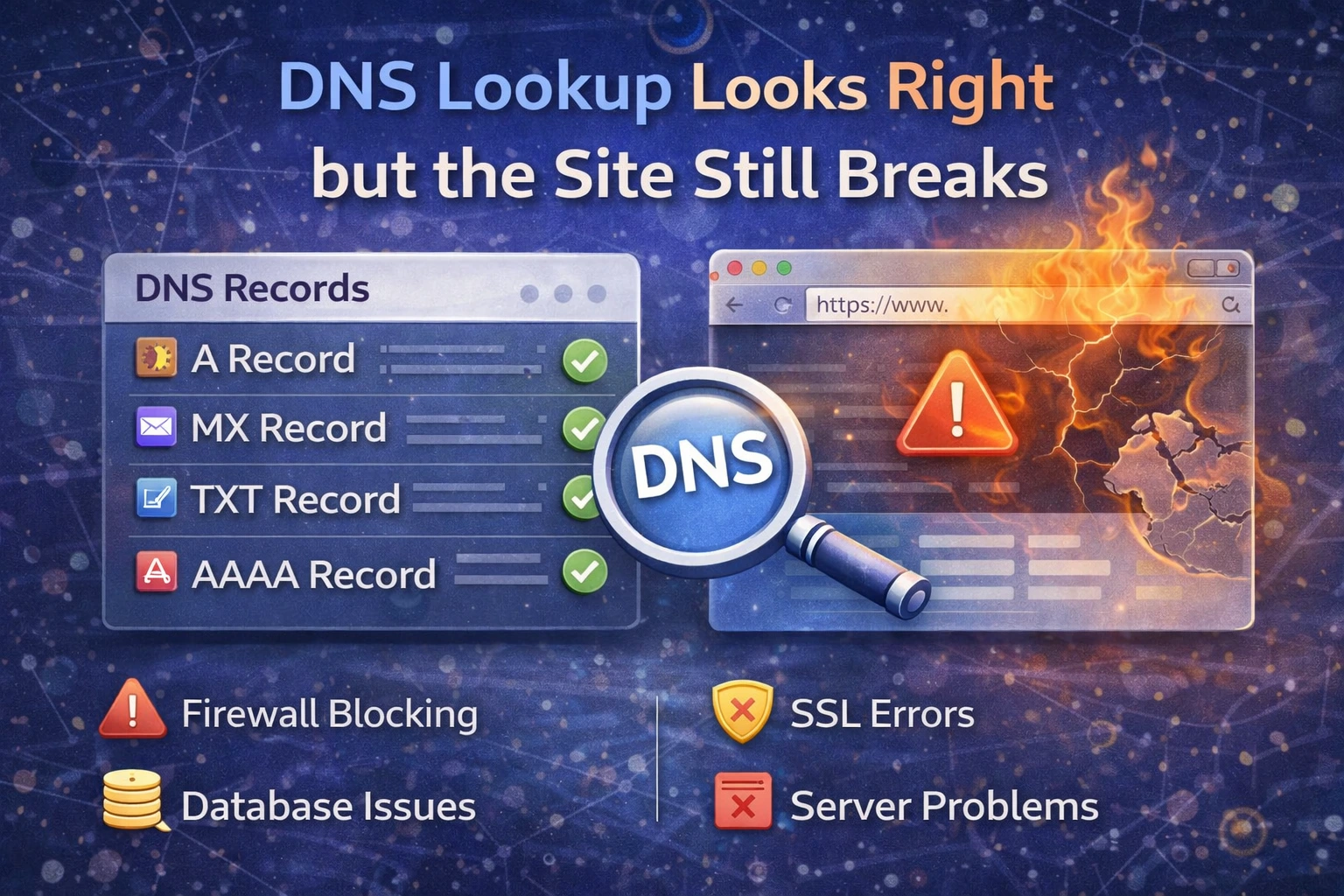
Seeing the right DNS records does not prove the site is healthy. It only proves the domain points somewhere plausible. If the site still fails after the DNS lookup looks correct, the next step is to separate DNS from everything around it.
First ask which layer is actually failing
The main possibilities are:
propagation is still inconsistent
the origin server is unreachable
IPv6 is wrong while IPv4 is fine
SSL is broken
the application itself is failing
That is why a good DNS result is only one checkpoint, not the finish line.
Confirm propagation first
If the change is recent, use DNS Propagation Checker. A correct record visible from one resolver does not mean it is visible everywhere yet.
Check site reachability next
If DNS points to the correct host, the next step is Website Status. This tells you whether the endpoint is actually responding over HTTP or HTTPS.
Check SSL if HTTPS is involved
Many “DNS problems” are really TLS problems. The domain points correctly, but:
the certificate is expired
the hostname does not match
the chain is incomplete
Use SSL Checker when the host resolves but browsers still warn or fail.
Do not ignore IPv6
If A is correct and the site still breaks only for some users, verify whether an old or wrong AAAA record still exists. In that case DNS can look “right” while IPv6 clients still fail. Check that with Ping IPv6.
What to do next
Use this flow:
Ping IPv6 if AAAA is involved
Admin User
Author