
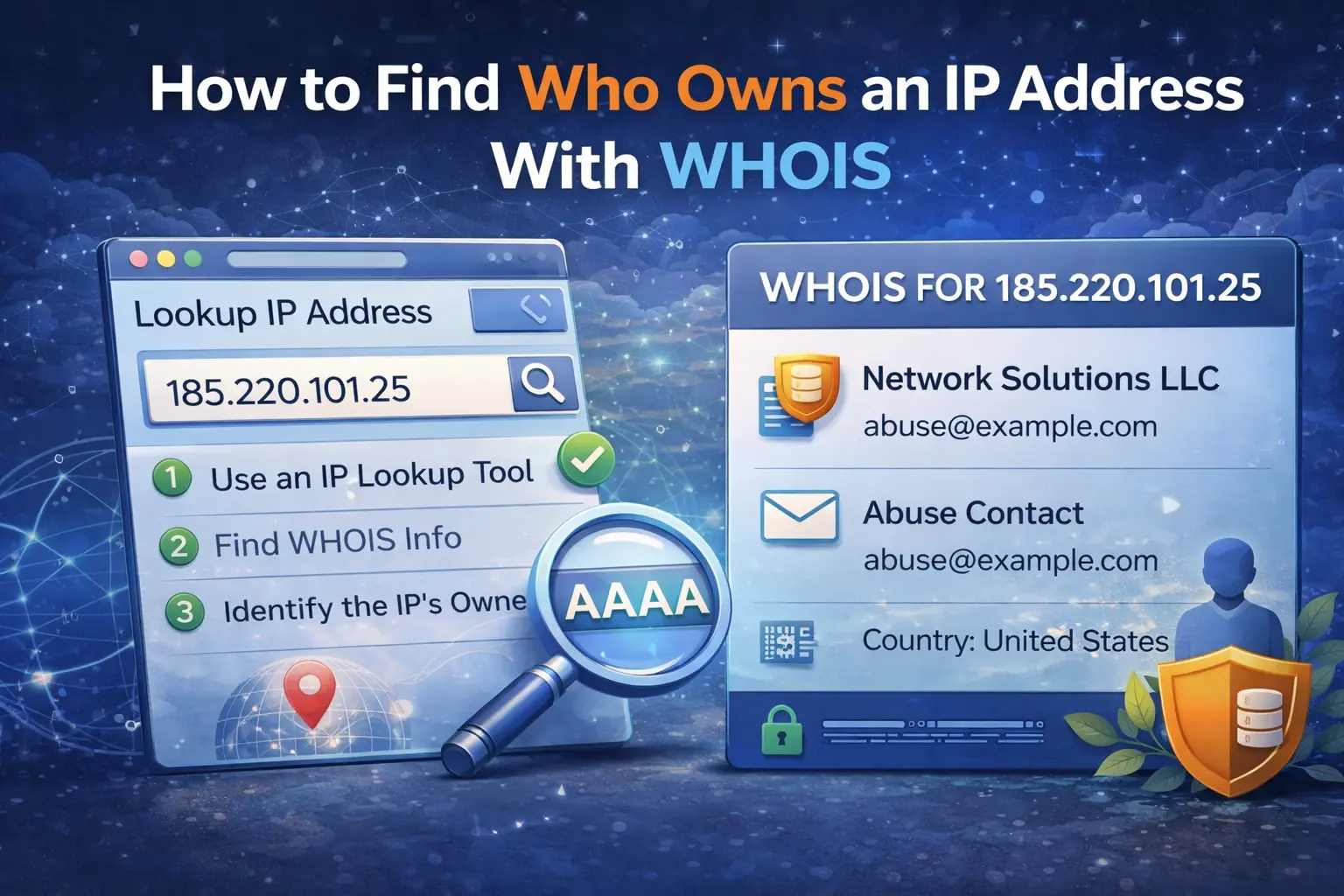
When you need to understand where suspicious traffic is coming from, one of the fastest first checks is IP WHOIS. It does not tell you everything about an address, but it gives you the ownership and allocation context you need before deciding whether to block, report, or investigate further.
A good WHOIS lookup helps answer practical questions:
which organization controls the IP range
which regional internet registry assigned it
which ASN is involved
whether the address belongs to a cloud provider, ISP, or enterprise network
which abuse contact may be relevant
What IP WHOIS actually tells you
IP WHOIS is different from reverse DNS and different from IP geolocation. WHOIS focuses on allocation and registration context. It shows which organization or provider has control over the address block and often includes network metadata such as ASN, route ownership, and contact details.
That is useful because the same IP can look harmless in one context and suspicious in another. An address owned by a residential ISP means something different from one allocated to a cloud platform used for disposable infrastructure.
Use the WHOIS Lookup tool to start with ownership and ASN context before you branch into other checks.
Ownership does not always mean the end user
One of the biggest mistakes people make is assuming that WHOIS shows the person or company directly operating the individual machine. Often it does not. In many cases, WHOIS shows the upstream owner of the IP range:
a hosting provider
a cloud platform
an ISP
a large enterprise or transit provider
That still matters, because it tells you who controls the allocation and where abuse reports should usually start.
Why ASN context matters
ASN data helps you understand the surrounding network, not just the single IP. If you see repeated events from addresses in the same ASN, that may point to:
one provider with recurring abuse
a botnet favoring specific cloud infrastructure
a misconfigured service running from one hosting network
WHOIS gives you a better frame for correlation than looking at one IP in isolation.
Do not confuse WHOIS with geolocation
Geolocation can be useful as a weak signal, but it should not be treated as proof of ownership. A cloud IP may geolocate to one country while the operator is somewhere else entirely. WHOIS is stronger for understanding who controls the block. Geolocation is better used as an extra clue, not as the main source of truth.
What to check after WHOIS
WHOIS is the start of the investigation, not the end. Once you know who controls the address, the next steps usually are:
Check Reverse DNS Lookup to see how the IP identifies itself.
Check IP Blacklist Checker to see whether the address already has a reputation history.
If the IP is related to mail activity, validate the associated domain with Email Validator.
This workflow turns raw ownership data into practical decisions.
Real-world example
A web application starts receiving suspicious login attempts from one IP. WHOIS shows the range belongs to a large cloud provider and reveals the ASN. Reverse DNS points to a generic compute hostname, and blacklist checks show related reputation issues. That combination tells you this is more likely to be disposable infrastructure than a normal end-user connection.
In that case, WHOIS helps you make sense of the event quickly and document the investigation cleanly.
What to do next
If your goal is investigation rather than curiosity, do not stop at ownership. WHOIS should lead into reverse DNS, blacklist reputation, and service-specific checks. Ownership tells you where the IP lives. The surrounding tools help you understand how it is behaving.
Admin User
Author