
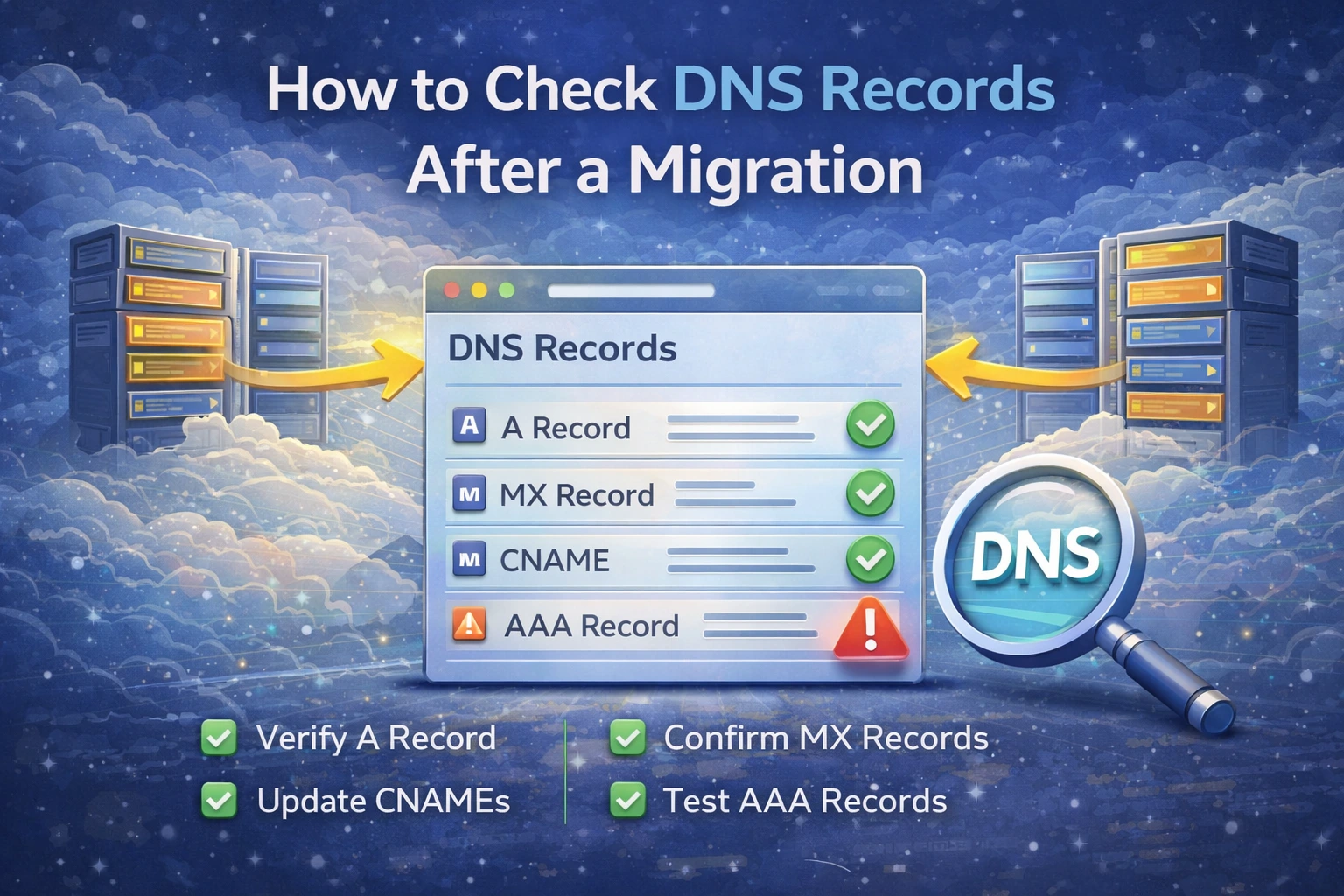
Moving a site or service to a new provider is often presented as a hosting task, but a surprising number of “migration” failures are really DNS failures. The site is live on the new server, but visitors still hit the old one. Mail was moved, but MX records still point to the wrong provider. Verification records disappear during the cutover, and nobody notices until login flows or email delivery break.
That is why DNS should be one of the first things you validate after any migration.
Start with the live public records
The first mistake many people make is trusting the DNS panel instead of checking the public result. What matters is not what you intended to publish. What matters is what resolvers can actually see.
Use DNS Records Lookup to inspect the live DNS records for the domain.
After a migration, these are the first records worth checking:
A records
AAAA records
MX records
TXT records
NS records
That order covers most website and email failures quickly.
Check A and AAAA if the website moved
If the website now runs on a new host, confirm that:
the A record points to the correct IPv4 address
the AAAA record points to the intended IPv6 address, if you use IPv6
there are no stale records still pointing to the previous environment
A common migration mistake is fixing IPv4 and forgetting IPv6. In that case, the domain can look correct for some users and broken for others.
Check MX and TXT if mail moved too
If the migration touched mail or DNS for mail, verify:
MX records
SPF
DKIM selectors
DMARC
Mail issues after a move often come from one small DNS oversight rather than a full server problem. After confirming the records exist, continue with Email Validator to validate the domain as a mail sender.
Nameservers can make every other check misleading
If the record values look correct in one provider dashboard but the public domain still resolves differently, verify the nameservers. The right records inside the wrong DNS provider still produce the wrong public result.
That is why NS records matter after any migration or registrar change.
Propagation is real, but do not blame it for everything
Propagation can delay visibility, but many migration problems are configuration problems, not just cache delay. Once you verify the records themselves, use DNS Propagation Checker to see whether the changes are visible broadly.
Practical migration checklist
When checking DNS after a migration, work in this order:
Verify A and AAAA
Verify MX and TXT if mail is involved
Verify NS delegation
Confirm propagation with DNS Propagation Checker
What to do next
If DNS looks right but the site still fails, continue with:
If mail still fails after the move, continue with:
Admin User
Author