
IP WHOIS Lookup, How to Identify Who Owns an IP, Find the ASN, and Investigate Abuse Fast
When an IP shows up in your logs, it’s easy to jump to conclusions based on a flag icon or a guessed location. That’s usually wrong, and it wastes time. The first thing you actually need is ownership and network context: who controls the IP block, what network it belongs to (hosting, ISP, mobile), and where to report abuse.
Run a WHOIS lookup here: https://networkwhois.com/whois
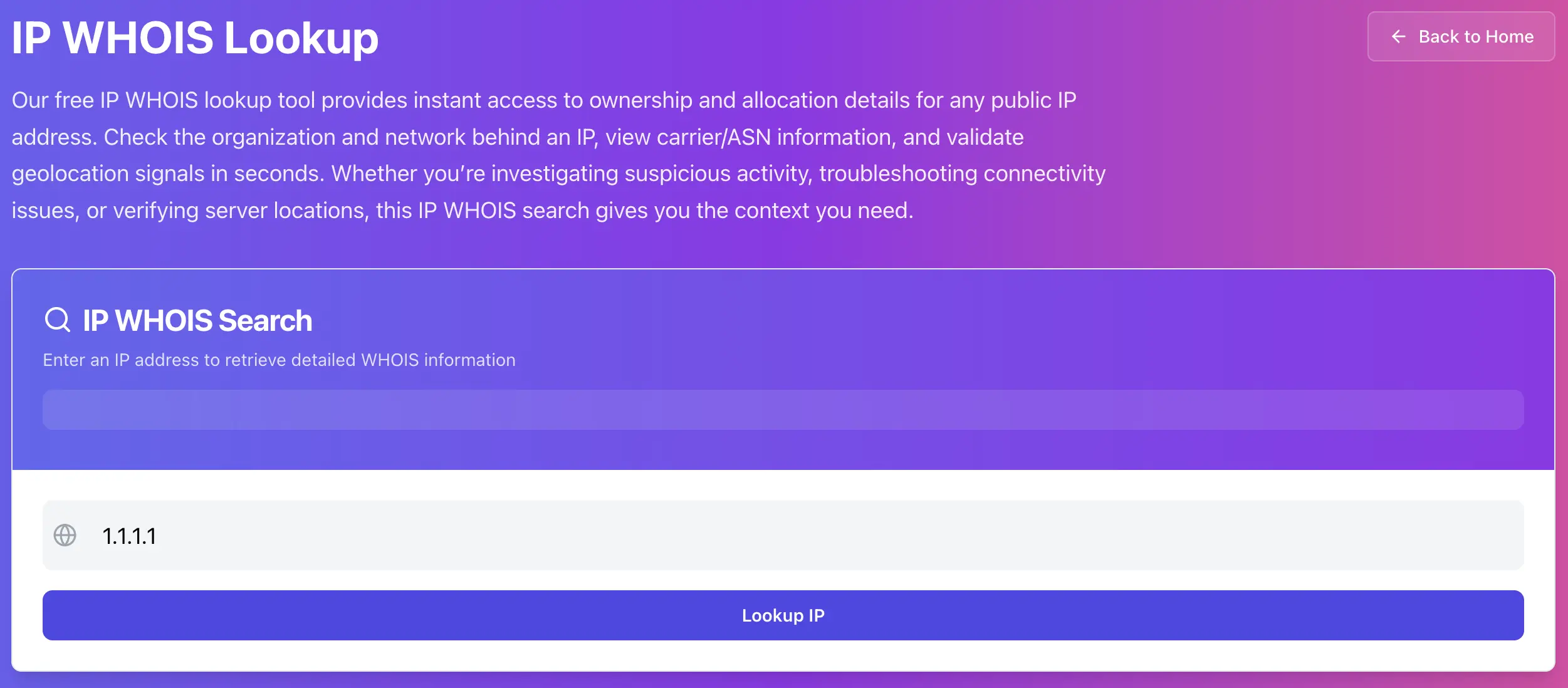
What IP WHOIS is, in one sentence
IP WHOIS tells you who the IP block is registered to, which registry it’s under (RIPE, ARIN, APNIC, etc.), and often includes ASN and abuse contact details you can use immediately.
Step 1: Look up the IP and focus on the fields that matter
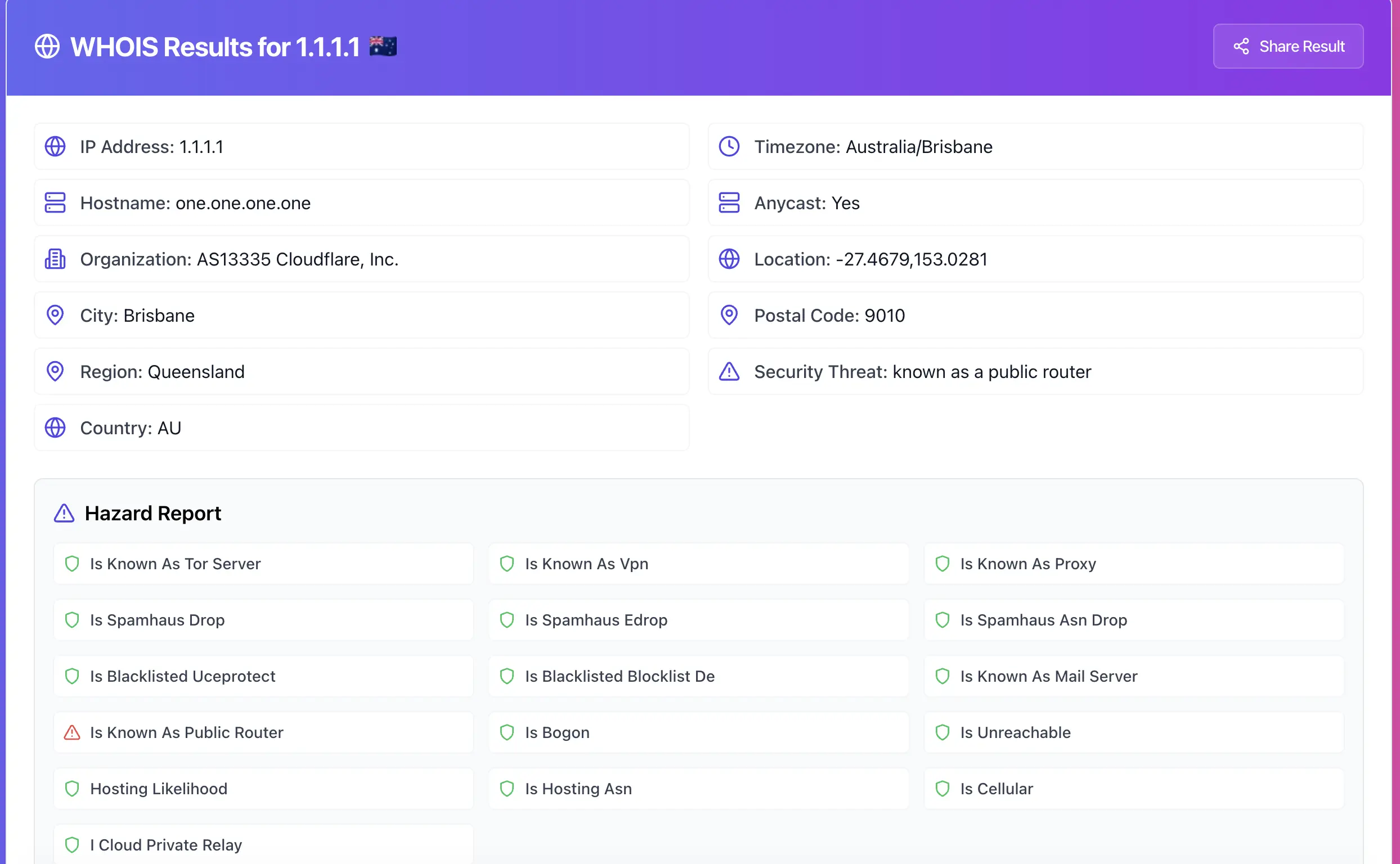
After you run the lookup, don’t stare at everything. Focus on these:
• Organization / NetName (owner)
• IP range (inetnum or NetRange)
• ASN (if shown)
• Abuse contact email or abuse mailbox
• Country (as registration region, not physical location)
Why these fields matter
• Owner + range tells you whether it’s a home ISP, a cloud provider, or a company network.
• ASN helps you group traffic. If 200 “different IPs” all belong to the same ASN, it’s usually one source category.
• Abuse contact is how you report issues properly. Complaints without the right contact go nowhere.
Step 2: Decide what type of IP you’re dealing with
This is the part that makes the article useful. Same “bad traffic” looks very different depending on the IP type.
If the owner looks like a hosting provider or cloud network
This is common for scanners, brute force, spam tools, and rented VPS boxes.
What usually works:
• Block the single IP quickly.
• If it keeps rotating inside the same range or ASN, rate-limit or block a small subnet (careful, don’t go crazy).
• Report abuse to the provider, with evidence.
If the owner looks like an ISP or mobile carrier
This is often normal users, infected machines, or noisy networks.
What usually works:
• Avoid permanent blocks, they can hit real users.
• Use rate limits, challenges (CAPTCHA), and temporary bans.
• Only escalate if you see repeated abuse patterns across time.
If the owner is a company network
This can be legit corporate traffic, VPN exits, or automated scanners.
What usually works:
• Don’t block instantly. Validate behavior first.
• If it’s clearly abusive, report it with logs and timestamps.
Step 3: Use WHOIS to write an abuse report that actually gets action
Most abuse reports are ignored because they’re vague. A useful report includes:
• The IP address
• Exact timestamps (include timezone)
• What was targeted (hostname, endpoint, service)
• What happened (brute force, scanning, spam, exploit attempts)
• Sample logs (short, relevant)
Here’s a good template you can paste into an email:
Subject: Abuse report for <IP> (timestamps included)
Body:
• IP: <IP>
• Time window: <YYYY-MM-DD HH:MM> to <YYYY-MM-DD HH:MM> (timezone <UTC+X>)
• Target: <domain> / <service> / <port>
• Activity: <brief description>
• Evidence: <2–5 log lines>
Step 4: Make smarter blocking decisions with range and ASN context
A single IP block is fine for quick relief. But if you’re dealing with rotating IPs, WHOIS helps you avoid whack-a-mole.
Use the range or ASN to answer:
• Is this one IP, or a whole provider pattern?
• Are attacks coming from the same ASN with different IPs?
• Is it worth subnet blocking, or just rate limiting?
Important: subnet blocking can cause collateral damage. Do it only when the behavior is clearly automated and persistent.
Common mistakes that make WHOIS investigations useless
• Treating country as physical location. It’s usually registration region.
• Assuming the WHOIS owner is the attacker. It’s usually the provider.
• Reporting abuse with no timestamps or evidence.
• Blocking huge ranges and breaking legit traffic.
Try it now
Pick one suspicious IP from your logs and identify the owner, range, and abuse contact: https://networkwhois.com/whois
Admin User
Author