
SPF, DKIM, DMARC Explained (With Live Checks), plus Fixes That Actually Work
If your emails hit spam, it’s usually one of these three
Most email deliverability issues come down to missing or broken authentication:
• SPF is wrong or duplicated
• DKIM is missing, wrong selector, or malformed
• DMARC is missing, too strict too soon, or alignment fails
Start by checking your DNS records live.
Use the tool: DNS Records Checker
Optional helper: Email Validator
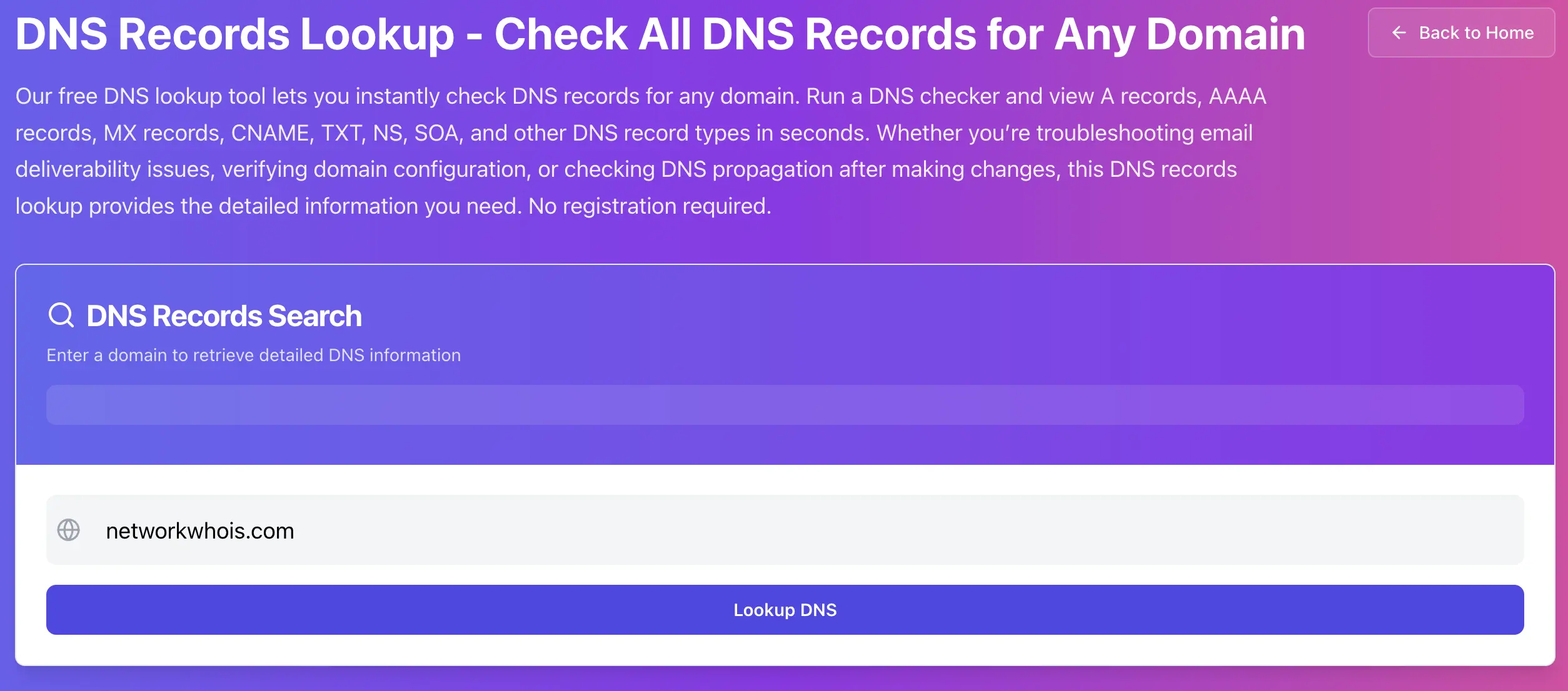
Step 1, Check SPF (TXT record on the root domain)
SPF is typically a TXT record on your root domain (@).
In your DNS checker:
• Record type: TXT
• Domain: your domain
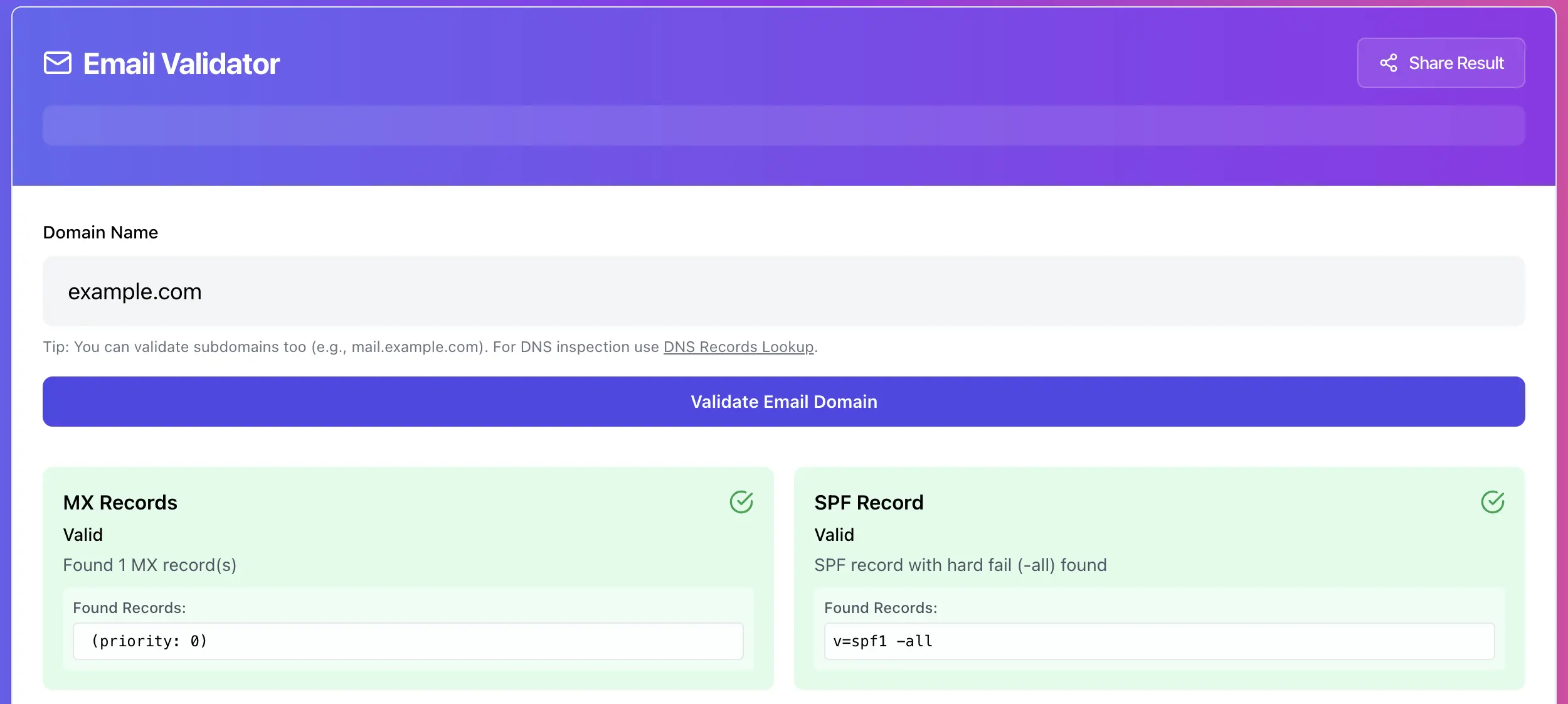
A healthy SPF record often looks like this:
v=spf1 include:_spf.google.com include:sendgrid.net -allSPF problems you will actually see, and the fix
Problem 1, Multiple SPF records (this breaks SPF)
Bad:
v=spf1 include:_spf.google.com -all

v=spf1 include:sendgrid.net -all
Fix: Merge into one SPF record, SPF must be a single record.
Problem 2, Too many DNS lookups (SPF limit)
SPF has a practical lookup limit (commonly 10). Too many include: chains can cause SPF to fail.
Fix options:
• Remove senders you no longer use
• Use subdomains for different senders
• Flatten SPF carefully (only if you can maintain it)
Problem 3, Using ~all forever (weak policy)
~all is a softfail, many receivers treat it as “not strict”.
Fix:
• Start with ~all while testing, then move to -all once you confirm all senders are covered.
Step 2, Check DKIM (TXT record on a selector)
DKIM lives at:
selector._domainkey.yourdomain.comCommon selectors:
• Microsoft 365: selector1, selector2
• Google Workspace: often google or provider-specific
• Some ESPs use default
In your DNS checker:
• Record type: TXT
• Name: selector1._domainkey (example)
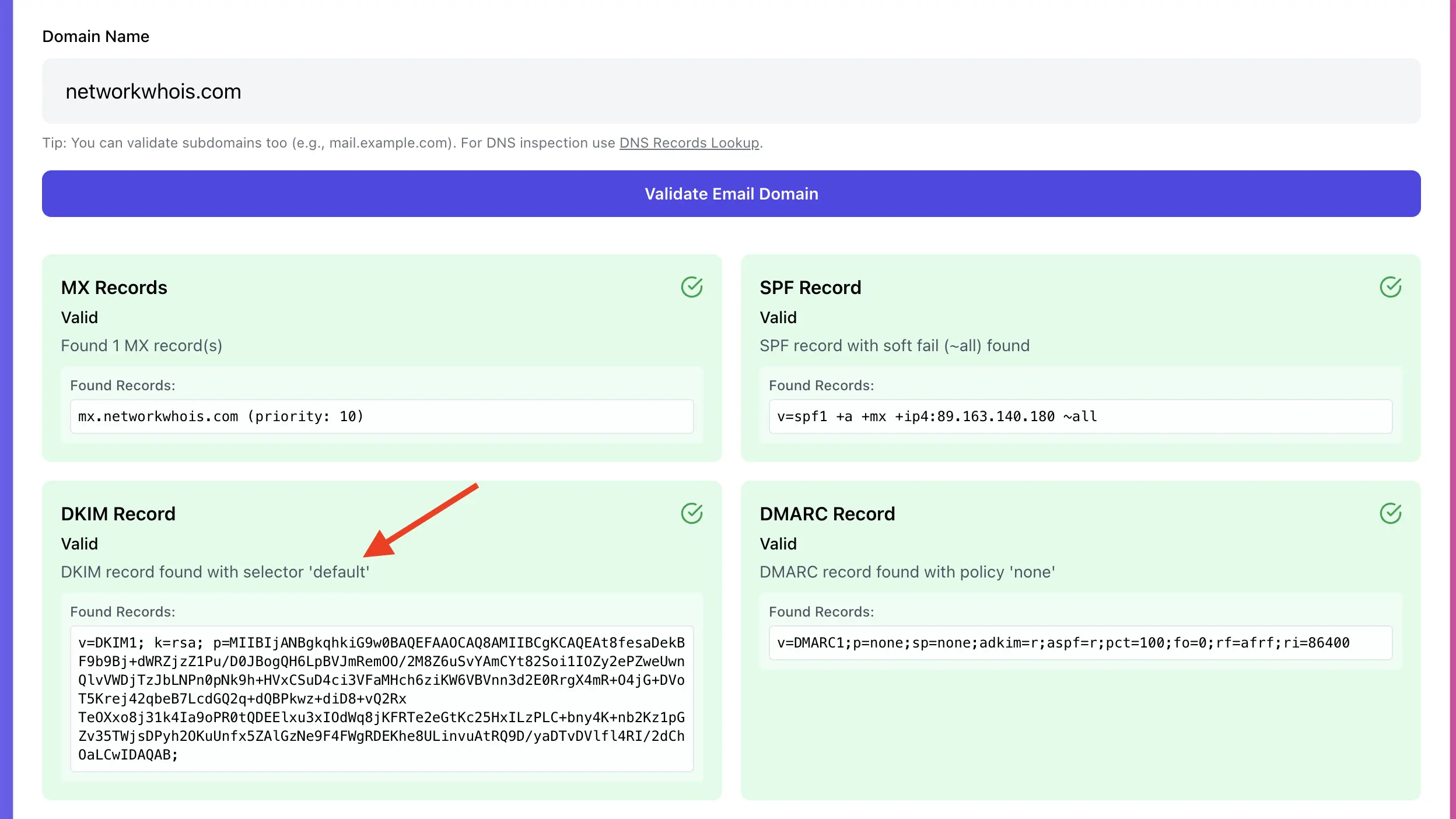
A DKIM record typically contains:
v=DKIM1; k=rsa; p=MIIBIjANBgkqhkiG9w0BAQEFAAOCAQ8A...DKIM problems, and fixes
Problem 1, DKIM record missing
Fix:
• Enable DKIM in your email provider or ESP panel.
• Publish the exact record they provide, then recheck in DNS.
Problem 2, Wrong selector
You are checking default but the service is signing with selector1, or vice versa.
Fix:
• Confirm the selector name in the email provider panel.
• Query that exact selector hostname in DNS.
Problem 3, DKIM key copied incorrectly
DKIM keys can be long. Copy-paste mistakes and broken quoting are common.
Fix:
• Copy exactly as your provider shows it.
• Recheck in DNS and ensure the full p= value resolves correctly.
Step 3, Check DMARC (TXT record at _dmarc)
DMARC lives at:
_dmarc.yourdomain.comIn your DNS checker:
• Record type: TXT
• Name: _dmarc
A good starter DMARC policy:
v=DMARC1; p=none; rua=mailto:[email protected]; adkim=s; aspf=sDMARC policy progression that won’t break your business mail
• Start with p=none (monitor)
• Move to p=quarantine after you fix all senders
• Move to p=reject once you’re confident
If you jump straight to reject, you can block legit mail if alignment is not set up.
The thing that bites people, DMARC alignment
DMARC cares about the visible “From” domain matching the domains used by SPF and or DKIM.
Real-world issue:
• You send through a third-party service, but your From is @yourdomain.com.
• SPF might pass for the service’s domain, but DMARC fails alignment.
• DKIM might sign a different domain, DMARC can fail alignment.
Fix:
• Configure custom domain sending in your ESP.
• Publish their DKIM for your domain.
• Make sure SPF and DKIM align with the From domain.
Quick live workflow when mail fails
1. Check TXT, confirm there is exactly one SPF record and it covers your senders
2. Check DKIM selector, confirm it exists and matches the signing selector
3. Check _dmarc, confirm policy and add reporting (rua=)
4. Optionally validate an address format and domain basics using Email Validator
Try it now
Run TXT checks for SPF, DKIM selectors, and DMARC in one place:
Admin User
Author