
SSL Certificate Chain Errors: What They Mean, and How to Fix Them (With a Live Checker)
If you’ve ever had a site that “works in Chrome” but fails in an app, webhook, API client, or some random corporate network, you already know the pain: SSL problems are rarely consistent. Browsers are forgiving. Many non-browser clients are not.
Most SSL chain errors come down to one boring reality, the server is not presenting the right certificates, in the right order, from the right place. The good news is that once you identify which part is wrong, the fix is usually fast.
Run a live check first: https://networkwhois.com/ssl-checker
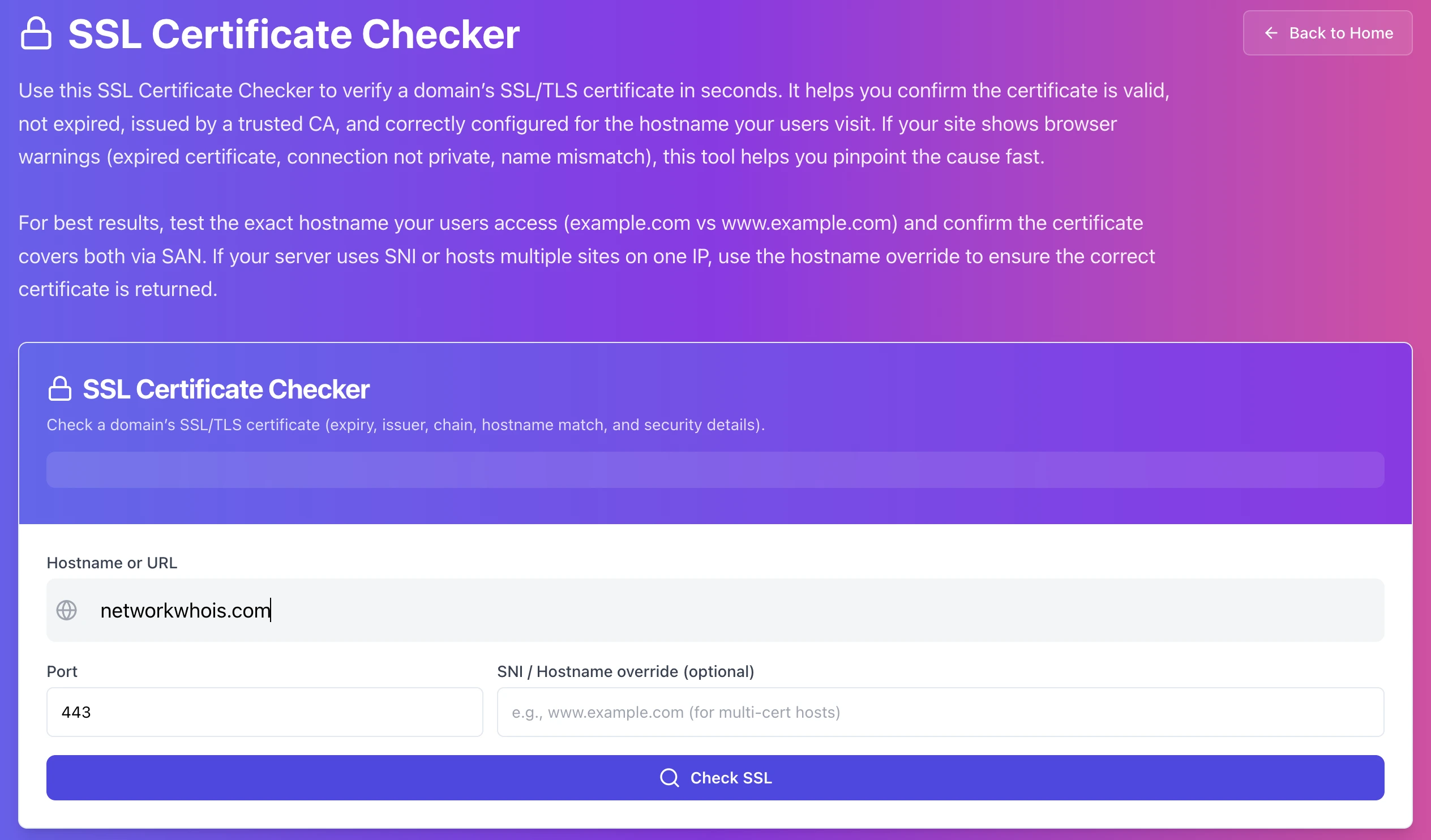
Last tested: January 15, 2026
What a “certificate chain” is, without the textbook vibe
Your certificate is not a single file that magically makes HTTPS work.
When a client connects, your server should present:
• the certificate for your hostname (the leaf certificate),
• plus the intermediate certificate(s) that link it to a trusted root.
The root certificate usually isn’t sent. The client already has it, or it doesn’t trust it, and then nothing will work anyway.
If your server forgets to send the intermediate, many clients can’t build the trust chain and you get errors like “incomplete chain” or “unable to get local issuer”.
Step 1: Check every hostname you actually use
Don’t test only example.com and call it a day.
Test what real traffic uses:
• any custom app hostnames
Because here’s what happens in the real world: one hostname hits your CDN, another hits your load balancer, another hits a different backend. Different place, different certificate, different problem.
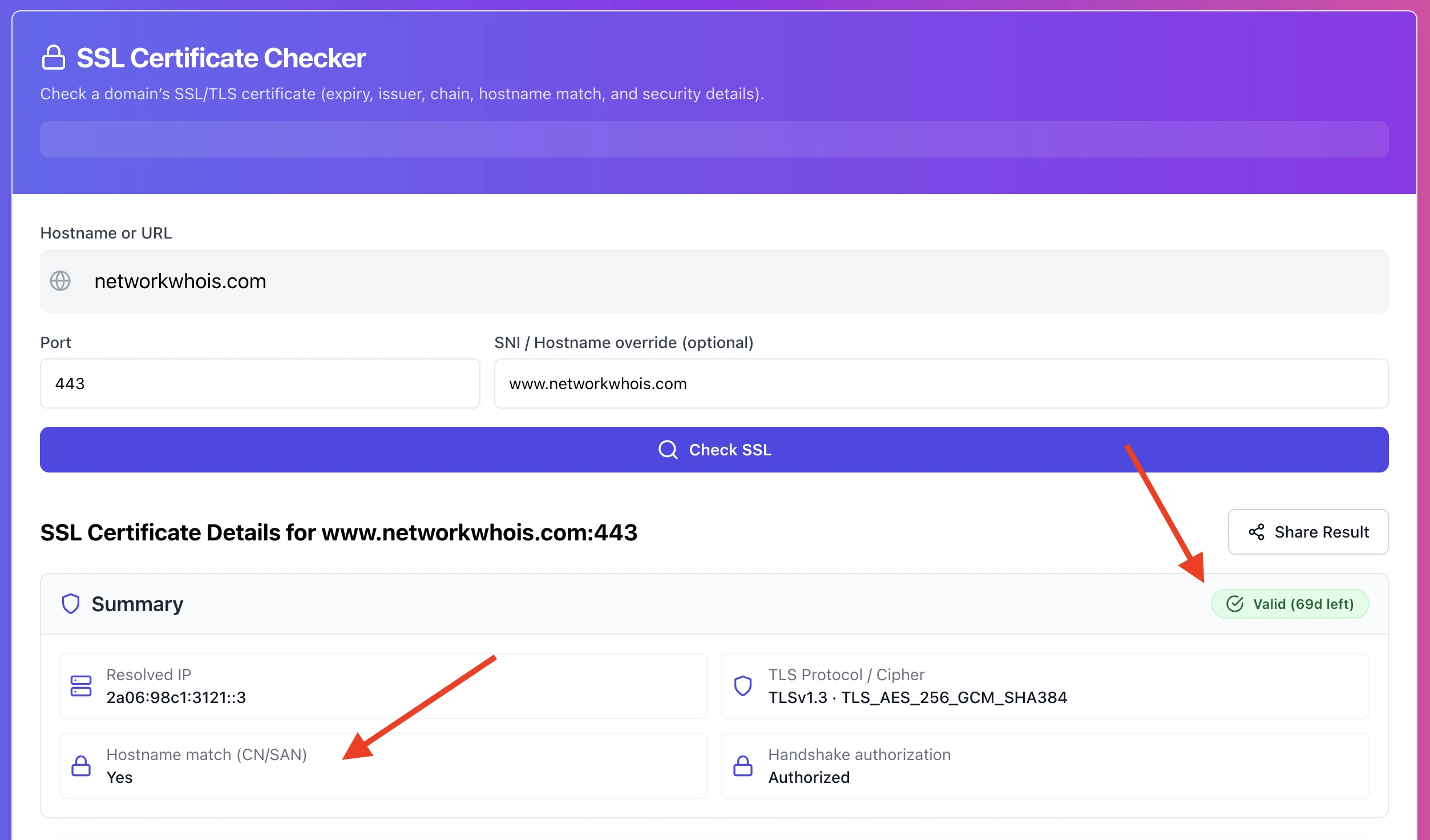
What you’re looking for immediately:
• Does the SAN list include the hostname you tested
• Is the certificate expired
• Is there any “chain” warning
Step 2: Look at the chain section and answer one question
Is the server sending the intermediate certificate or not?
If the checker shows a leaf certificate only, or shows a broken chain, you just found the most common cause.
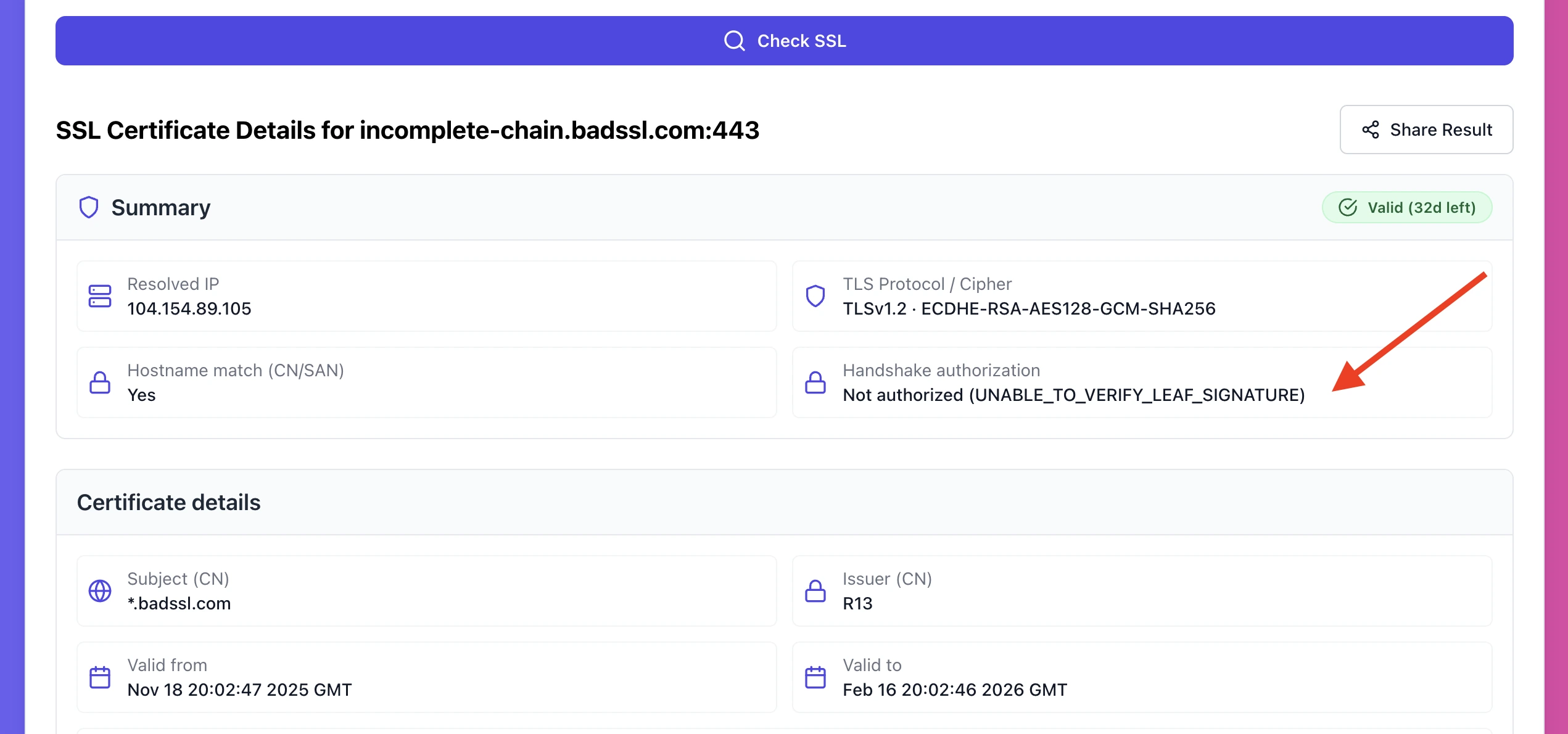
The common errors you’ll see, and what they usually mean
1) Incomplete chain, missing intermediate
What it looks like
• “Incomplete chain”
• “Missing intermediate certificate”
• Some clients fail, browsers might still pass
Why it happens
You installed the leaf certificate only. This is the classic “used cert.pem instead of fullchain.pem” situation.
Fix
Use the full chain file from your CA, and configure your web server to present it.
• On Nginx, you typically want ssl_certificate pointing to fullchain.pem.
• On Apache, you either use the full chain in the cert file or configure the chain file depending on how Apache is set up.
After deploying, run the SSL checker again. If it still shows missing intermediate, you changed the wrong place, common when TLS is terminated on a load balancer, not the origin.
2) Unable to get local issuer certificate
What it looks like
• Often seen in curl, OpenSSL, APIs, webhooks
Why it happens
Missing intermediate, or you used the wrong intermediate chain for that leaf certificate.
Fix
Don’t mix and match chain files. Download the correct chain bundle from your CA for that exact certificate and redeploy it.
Then re-check. If the chain still fails, suspect a proxy or load balancer serving an older cert bundle.
3) Hostname mismatch, certificate does not match host
What it looks like
• “hostname mismatch”
• “certificate is not valid for …”
Why it happens
The SAN list does not include the hostname. Common examples:
• cert covers example.com but not www.example.com
• you thought a wildcard covers the root domain (it doesn’t)
• SNI is misconfigured, so the server serves a default cert
Fix
Issue a certificate that includes the exact hostnames you serve, then deploy it where TLS is actually terminated.
Also check this: if you host multiple sites behind the same IP, SNI must route the right certificate for each hostname.
4) Wrong certificate served (load balancer, CDN, multi-node setups)
What it looks like
• Sometimes you get the new cert, sometimes the old one
• Your checker shows different fingerprints depending on when you run it
• Users report “random SSL errors”
Why it happens
You updated one place, but TLS terminates somewhere else too, or not all nodes are updated.
Fix
Update every termination point:
• load balancer listeners
• reverse proxies
• CDNs that handle HTTPS
• backend nodes, if they terminate TLS too
Then re-run checks until results are consistent.
5) Expired certificate, or not yet valid
What it looks like
• “expired”
• “not yet valid”
Why it happens
Expired is obvious. “Not yet valid” often means your server clock is wrong or you’re hitting an edge with a bad time config.
Fix
Renew and deploy the new cert everywhere, and make sure system time is correct with NTP.
A quick “stop wasting time” checklist
Before you change anything, make sure you know where HTTPS is terminated:
• If you use a load balancer, that’s usually the termination point.
• If you use Cloudflare or a CDN in full proxy mode, that’s a termination point too.
• If you use a reverse proxy like Nginx in front of apps, that might be it.
Half of SSL debugging is fixing the right place, not guessing config on the wrong server.
Try it now
Check your domain, spot chain issues fast, then re-check after the fix: https://networkwhois.com/ssl-checker
Admin User
Author