
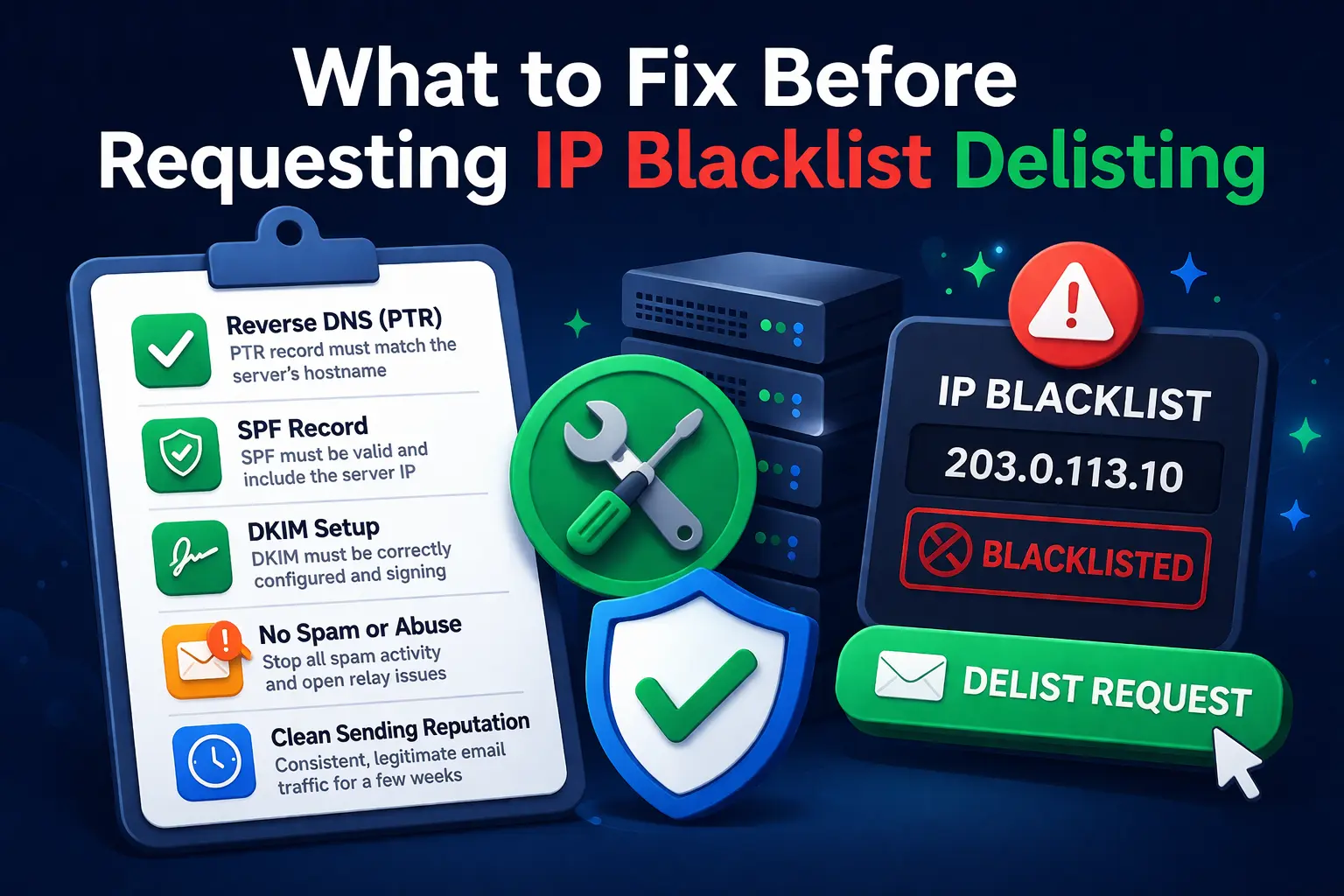
If your sending IP appears on a blacklist, the worst first move is often to submit a delisting request immediately. Some operators do that out of urgency, but blacklist operators and receiving mail systems care more about whether the problem is fixed than whether the request is fast.
If the root cause is still present, the IP can be relisted quickly or your delisting request may be ignored.
Start by checking where the IP is listed
Not every blacklist has the same impact. A single listing on a minor list may be less important than one listing on a major reputation source. Before doing anything else, check the IP with the IP Blacklist Checker tool and note:
how many lists include the IP
whether the lists are mail-related
whether the listings mention spam, malware, open proxy, or policy issues
That gives you context for the cleanup work.
Fix reverse DNS first
If your mail server IP has no PTR record, or the reverse DNS is inconsistent, fix that before you request delisting. A weak server identity is a common reason for poor reputation and repeated filtering.
Use the Reverse DNS Lookup tool to confirm:
the IP has a PTR record
the PTR hostname looks intentional
the hostname resolves back to the same IP
If reverse DNS is missing, address that with your provider before moving on.
Validate domain authentication
Next, confirm that the domain is set up correctly:
SPF exists and authorizes the real sending infrastructure
DKIM is present and signing is active
DMARC is published and aligned with the visible From domain
MX is configured correctly if the domain also receives mail
The Email Validator page is the best place to check these together.
An IP can be delisted and still perform badly if the domain sending through it is not configured cleanly.
Check for compromise or abuse
A blacklist entry may be the symptom, not the problem. Before requesting removal, make sure the server is not currently:
sending to large numbers of invalid recipients
relaying mail unexpectedly
running a compromised web application that sends spam
using stolen credentials through SMTP auth
infected with malware or scripts generating outbound mail
If the host is still compromised, delisting does not solve anything.
Review sending behavior
Even on a clean server, poor sending practices can cause listings:
sudden spikes in volume
cold lists with high complaint rates
repeated retries to dead addresses
sending from a new IP without warm-up
If this is a legitimate mail program, slow down volume and improve list hygiene before you ask for removal.
Build a practical pre-delisting checklist
Before requesting delisting, confirm all of the following:
The server is not compromised.
Reverse DNS exists and matches the server identity.
SPF is correct.
DKIM is active.
DMARC is published.
HELO or EHLO is sane and consistent with the hostname.
Outbound mail volume and list quality are under control.
This checklist matters because blacklist operators want evidence that the issue will not repeat.
What a good delisting request looks like
When you finally contact the blacklist operator, keep the request specific. Explain:
what caused the issue
what you fixed
when you fixed it
why it will not happen again
Do not send a vague message like "please remove us, we are legitimate." That rarely helps.
Real-world pattern
A VPS starts sending transactional mail and quickly gets listed after password reset notifications trigger spam complaints. The admin checks the IP and finds:
no PTR record
weak DMARC policy
high bounce rate due to old recipient data
After fixing reverse DNS, tightening authentication, cleaning the recipient list, and slowing sending volume, the delisting request has a much better chance of sticking.
What to do next
If your IP is listed, work in this order:
That sequence gives you a cleaner path than delisting first and troubleshooting later.
Admin User
Author