
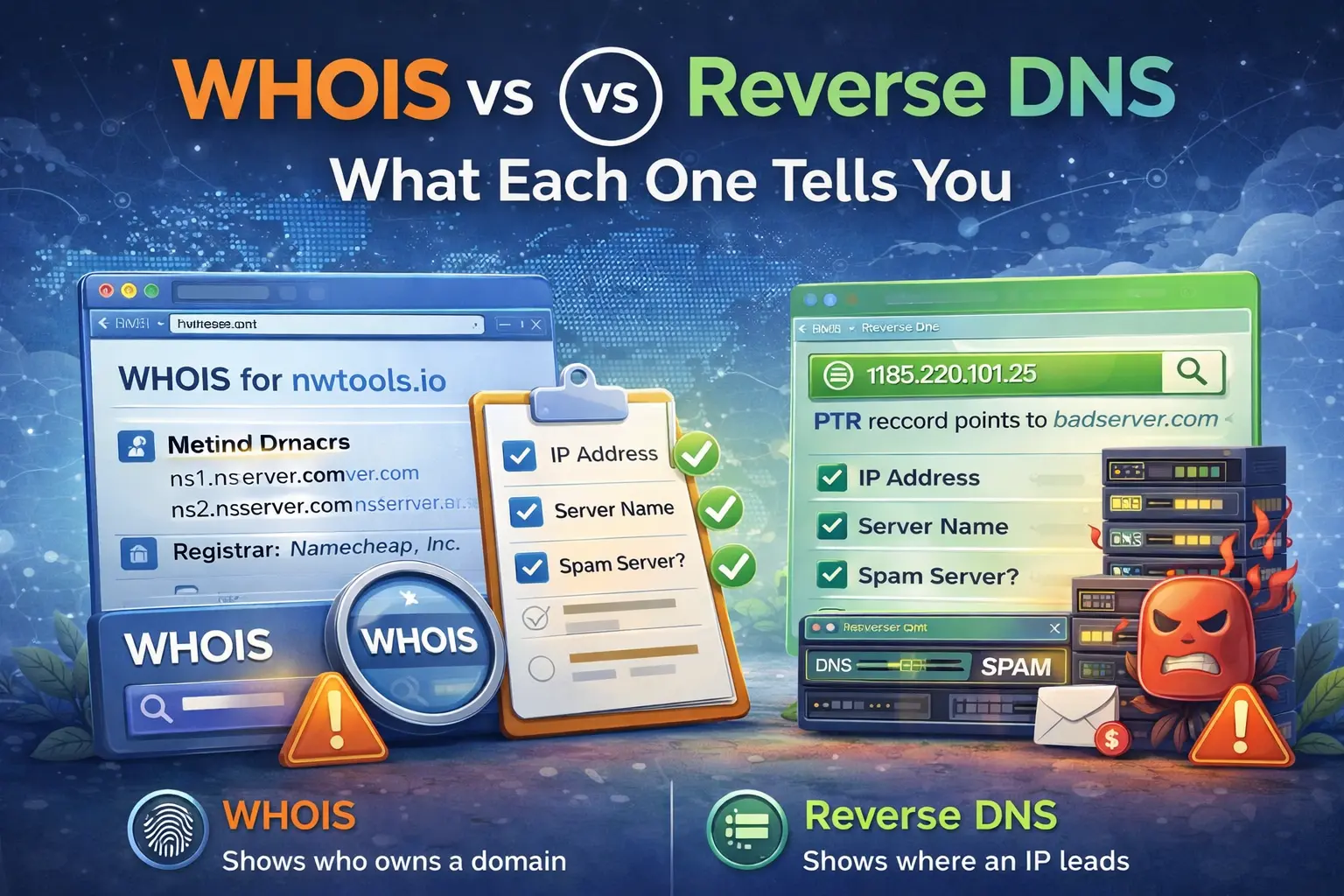
WHOIS and reverse DNS are often used in the same investigation, but they do very different jobs. If you treat them as interchangeable, you miss useful context. If you use them together, they give you a much better picture of what an IP address really represents.
WHOIS answers the ownership question
WHOIS helps you understand who controls the IP allocation. It shows which organization received the range, which registry is involved, and often which ASN and abuse contacts are associated with the block.
Use WHOIS Lookup when you want to answer:
who owns this IP range
which provider controls it
which ASN is associated with it
where should an abuse report begin
WHOIS is about allocation and ownership context.
Reverse DNS answers the identity question
Reverse DNS shows which hostname an IP resolves to, if any. That matters because the hostname often gives clues about the role of the server:
mail host
customer VPS
shared hosting node
cloud instance
internal naming convention exposed publicly
Use Reverse DNS Lookup when you want to know how the IP identifies itself on the network.
Why both matter together
WHOIS can tell you that an IP belongs to a major cloud provider, but that still does not tell you whether the individual host is a mail server, a generic VM, a proxy, or something else. Reverse DNS can add that missing context.
Likewise, reverse DNS can show a hostname, but it does not tell you whether the surrounding network belongs to a residential ISP, a hosting company, or a transit provider. WHOIS fills that gap.
Example: suspicious traffic from a cloud IP
Suppose you see repeated traffic from one address:
WHOIS shows a cloud provider and ASN
reverse DNS shows a generic compute host
That combination suggests temporary infrastructure or a normal cloud VM, not a residential endpoint. If reverse DNS instead shows a customer-specific mail hostname, the next investigation path changes.
Example: mail server troubleshooting
In mail troubleshooting, the difference becomes even more useful:
WHOIS tells you which provider controls the sending IP range
reverse DNS tells you whether the sending IP has a PTR record and whether the hostname looks appropriate for mail
If the IP has no PTR record or the PTR is generic, deliverability can suffer even when the WHOIS ownership itself looks normal.
For mail-related checks, combine Reverse DNS Lookup, IP Blacklist Checker, and Email Validator.
Common mistake: trusting only one layer
People often stop after WHOIS because they found a company name, or they stop after reverse DNS because they found a hostname. Neither is enough by itself in a real investigation. Ownership and server identity are related, but they answer different questions.
That is why a better workflow is:
Run WHOIS Lookup
Check reputation with IP Blacklist Checker
What to do next
Use WHOIS when you need allocation and provider context. Use reverse DNS when you need server identity clues. Use both when the goal is a real investigation rather than a single lookup result.
Admin User
Author