
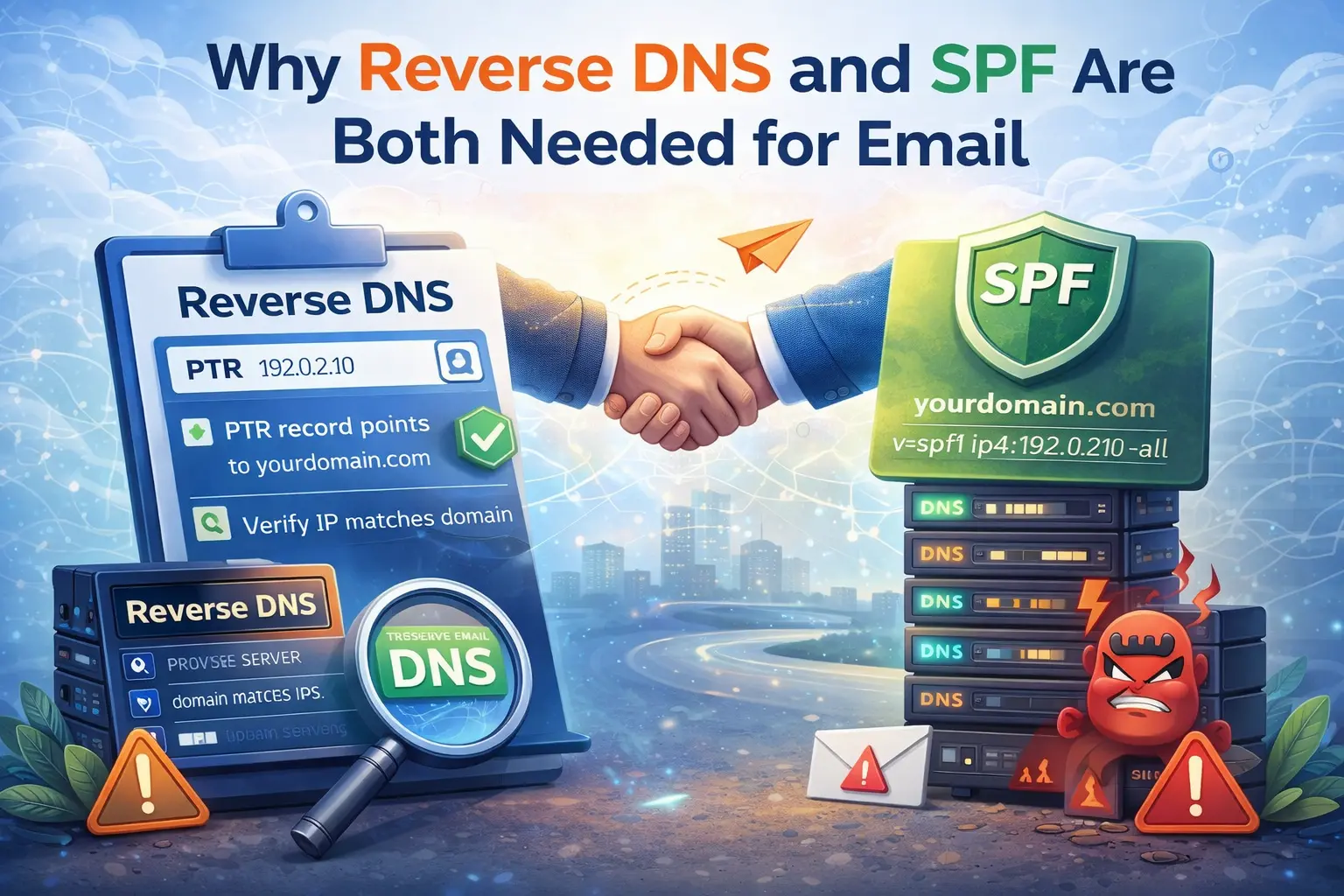
SPF and reverse DNS are often mentioned together in mail troubleshooting because both influence trust, but they are not doing the same job. If you configure SPF and ignore reverse DNS, your mail setup is still incomplete. If you configure reverse DNS and ignore SPF, you still have a weak sender identity.
You need both because receiving servers evaluate both domain authorization and server identity.
What SPF proves
SPF answers this question: is this server allowed to send mail for the domain?
That matters because it helps prevent unauthorized senders from claiming your domain in the envelope path. A correct SPF record is an important trust signal, but it says nothing about whether the sending IP looks like a properly configured mail server.
What reverse DNS proves
Reverse DNS answers a different question: does this IP identify itself in a way that looks intentional and consistent?
If the sending IP has a PTR record that points to a sensible hostname, and that hostname resolves back to the same IP, the server looks more like a real mail sender and less like disposable infrastructure.
Use Reverse DNS Lookup to check the sending IP directly.
Why SPF alone is not enough
A mail server can pass SPF and still look weak for delivery because:
the IP has no PTR record
the PTR points to a generic cloud hostname
the hostname does not resolve back to the IP
the HELO or EHLO name looks inconsistent
Major providers use multiple signals together. SPF passing is good, but it does not erase poor server identity.
Why reverse DNS alone is not enough
A valid PTR record does not authorize a server to send mail for your domain. Without SPF, the receiver has less evidence that the domain intentionally trusts that infrastructure. Reverse DNS makes the IP look more legitimate. SPF makes the domain authorization explicit.
That is why both are needed for a cleaner trust chain.
A simple mental model
Think of it this way:
SPF says "this domain allows this sender"
reverse DNS says "this sending IP looks like a real mail host"
Together, they create a stronger baseline than either one alone.
What to check in practice
If you are setting up or debugging mail, verify:
SPF with Email Validator
PTR with Reverse DNS Lookup
Reputation with IP Blacklist Checker
This is especially important on VPS and dedicated servers, where you control much of the mail environment directly.
Real-world example
A domain has correct SPF and DKIM. The admin expects clean delivery, but messages still land in spam. The missing piece is a PTR record. Once reverse DNS is added and matches the server hostname, trust improves. SPF was necessary, but not sufficient.
What to do next
If you already fixed SPF, do not assume the job is finished. Check reverse DNS next. If reverse DNS is fine, move on to blacklist status and DMARC alignment.
Admin User
Author